
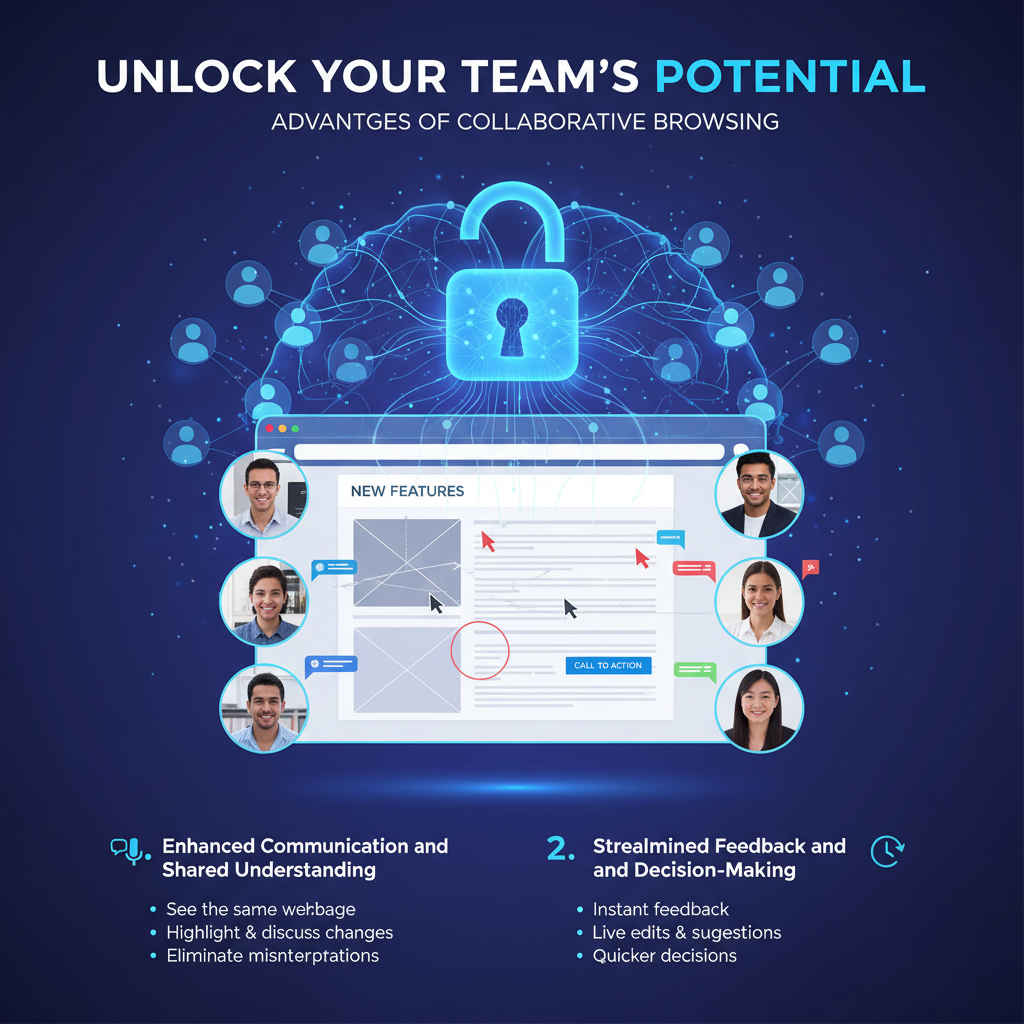
Collaborative browsing, sometimes called co-browsing, is a real-time technology that allows you and your team to view and interact with the same webpage simultaneously. By tapping into the advantages of collaborative browsing, you open the door to streamlined customer support, faster sales conversions, and more cohesive remote teamwork. In essence, co-browsing helps you guide customers through complex digital processes, assist colleagues in real time, and minimize the guesswork that often bogs down distributed teams.
This article explores how co-browsing fits seamlessly into the workflows of B2B SaaS organizations, remote support teams, and forward-thinking managers looking to optimize digital interactions. You will discover best practices, industry use cases, and tools such as Blitzz Co-Browse that simplify real-time collaboration. Whether you are aiming to reduce support call durations, deliver a better customer experience, or boost your team’s day-to-day coordination, read on to learn the key benefits of this technology and how it can transform your business.
Understand collaborative browsing
At its core, collaborative browsing allows two or more users to navigate the same webpage or application side by side. You can see each other’s cursors, highlight text on-screen, and instantly share context without lengthy descriptions or email chains. This immediate, synchronous interaction tackles many of the pain points that come with remote work or complicated user journeys.
Unlike traditional screen sharing, co-browsing operates solely within a shared web environment. Only the specific browser tab is visible, which adds a layer of privacy. For you, that means there is less risk of unintentionally exposing documents, notifications, or personal information. It also means faster connections because only the relevant data loads in real time, rather than your entire screen.
Key benefits for your organization
- Real-time engagement with customers and/or colleagues.
- Focused navigation of a single webpage or app, maintaining privacy.
- Reduced guesswork and fewer back-and-forth communications.
- Lower overhead compared to more resource-intensive screen-sharing sessions.
Boost remote collaboration
If you manage a dispersed workforce or partner with teams across the globe, you know how challenging it can be to keep projects flowing smoothly. Daily stand-ups, emails, and chat apps help, but lengthy text-based conversations sometimes leave room for confusion. Collaborative browsing, however, enables you to walk remote team members through a live demonstration of new features, or highlight UI elements directly on the page.
By working side by side in real time, you help your team grasp ideas faster and reduce misinterpretation. Small clarifications that might drag out over multiple chat messages can now be resolved in seconds as you literally show, rather than tell. Co-browsing also fosters a sense of camaraderie. Team members feel like they are sitting next to each other, which can be a significant morale booster if everyone is physically far apart.
Quick wins for remote teams
- Use co-browsing to demo prototypes or new releases, ensuring everyone sees the same updates.
- Reduce file-sharing chaos by annotating directly on a webpage rather than sending numerous screenshots.
- Shorten meeting times by tackling questions and feedback live, instead of cycling through email attachments.
Optimize customer support
Customer support and success teams often face questions that are difficult to diagnose without visually walking through a user’s screen. With collaborative browsing, you can see exactly where your customer is clicking, how they navigate your product, and which issues they encounter. Instead of guessing the cause of a glitch or having your customer read off screen after screen of error codes, co-browsing gives you immediate clarity.
A quick co-browsing session also fosters trust. Your customer feels heard because you can interact with their experience in real time. You can highlight or circle problem areas on the screen, recommend the right fix, and even fill in certain fields on their behalf (with their permission) to expedite the resolution. Reduced handle time and higher satisfaction scores naturally follow. That means fewer follow-up tickets, happier users, and a support team that is more confident in its daily tasks.
Strategies for more efficient support
- Offer co-browsing as an optional escalation step for complex issues.
- Ask permission before interacting with the customer’s screen, reinforcing privacy and trust.
- Utilize tools like Blitzz Co-Browse to offer a secure AI-powered solution that integrates with major CRMs.
Accelerate training and onboarding
Training new employees and onboarding clients can be time-consuming, especially when “digital fatigue” sets in after countless slideshows or static PDFs. Collaborative browsing speeds up the learning curve by making the experience hands-on and interactive. For instance, you can walk a new hire through your product dashboards and demonstrate tasks in real time, letting them apply acquired knowledge immediately.
This experiential approach also resonates in an educational context. In EdTech scenarios, teachers or instructors can co-browse assignment workflows, troubleshoot student issues, or conduct practical walk-throughs of course material. By eliminating guesswork, you shorten training times and enhance knowledge retention for both internal teams and external partners.
Practical tips for onboarding
- Create step-by-step interactive tutorials that your new hires or clients can follow along with live.
- Break training sessions into micro-sessions using co-browsing, focusing each on a specific skill or feature.
- Encourage learners to drive the session occasionally, so they get comfortable navigating the platform.
Enhance e-commerce experiences
From B2C online shops to large B2B marketplaces, guiding customers to the right product or solution can dramatically increase sales conversions. Collaborative browsing allows you, as a customer success manager or e-commerce operator, to see exactly where your prospective buyer might be running into confusion on your site. Instead of letting them abandon the cart, you can step in to address concerns around shipping, payment options, or product specs.
When you can walk through a product page together, you build customer confidence and reduce hesitancy. This is especially impactful for high-value or complex items that warrant more explanation. Through co-browsing, you effectively replicate the personalized in-store experience that keeps customers engaged and willing to complete their purchase.
Ways to drive e-commerce conversions
- Provide an option for live co-browsing chat directly on your site’s product pages.
- Offer real-time guidance during checkout, ensuring users do not drop off after encountering small obstacles.
- Use Blitzz Co-Browse to deliver seamless, AI-powered interactions for an efficient, secure customer experience.
Strengthen team communication
Beyond individual use cases, collaborative browsing can become a staple of your overall communication strategy. Project managers who juggle multiple stakeholders can jump into a co-browsing session to settle disputes, clarify project requirements, or finalize design elements on the spot. Meanwhile, remote workers can cut through the noise of text messages and emails by quickly launching a shared browsing session.
A team that sees, clicks, and navigates together is less likely to operate in silos. Each member can visually confirm tasks, sign off on key decisions, and remain aligned on priorities. By focusing on a single webpage or application, you keep everyone’s attention where it needs to be, free from the distractions of other windows. This streamlined communication style not only saves time, but also keeps important initiatives moving forward with minimal confusion.
Everyday communication benefits
- Share relevant data more effectively. When you highlight a graph or data point in real time, everyone understands it instantly.
- Conduct quick brainstorming sessions by co-browsing reference sites, mock-ups, or competitor pages.
- Place user journeys, design specs, or product features front and center without juggling multiple screens.
Leverage AI-powered solutions
One of the most exciting advances in co-browsing is the integration of AI technologies. Blitzz Co-Browse, for example, uses AI to streamline session setup, provide contextual assistance, and ensure swift troubleshooting. This kind of intelligent co-browsing platform anticipates user needs, simplifies navigation, and allows your support and sales teams to focus on building strong client relationships.
AI-powered solutions go beyond simple screen mirroring. With automated detection of user flows or predictive prompts, you can proactively guide customers or internal stakeholders. This proactive aspect is particularly valuable in high-stakes industries such as finance or healthcare, where a single wrong click might cause serious issues. By embracing an AI-driven approach, you deliver a smoother experience to everyone involved.
How AI elevates co-browsing
- Predicts user misunderstandings by analyzing click patterns and session duration.
- Automates repetitive troubleshooting steps, allowing you to focus on more complex tasks.
- Monitors for compliance, such as masking sensitive fields in regulated industries.
Best practices for success
Implementing collaborative browsing is not difficult, but a structured approach ensures maximum benefits. Before rolling out your co-browsing tool of choice, align with your team on clear guidelines and expectations. Decide which stages of a support or sales call warrant co-browsing, and train your staff on the etiquette of guiding users through sensitive or private data.
Security should be a top priority. Seek out platforms that mask confidential information and give users the power to pause or end a session at will. If you choose Blitzz Co-Browse or another robust tool, explore integration options with your CRM, communication platform, or ticketing software. This way, you maintain a seamless workflow without needing to juggle multiple apps.
Implementation checklist
- Provide thorough training for all customer-facing teams, emphasizing an approach that is helpful and transparent.
- Set up clear procedures on when and how to invite users into a co-browsing session.
- Do regular audits to confirm no sensitive data is inadvertently exposed during sessions.
Frequently asked questions
Is collaborative browsing secure?
Yes, most reputable co-browsing solutions are designed with security in mind. They typically mask sensitive fields, require user permission to initiate, and limit visibility to a specific browser tab. You can further enhance security by choosing a tool that offers end-to-end encryption and strong compliance features.
What sets it apart from screen sharing?
Screen sharing displays your entire desktop or screen, which sometimes poses privacy risks and slows performance. Collaborative browsing, on the other hand, is restricted to a single webpage or application, so you are not exposing your entire computer. This targeted approach offers more speed, better privacy, and a more focused user experience.
Do I need special software or downloads?
In most cases, no. Many co-browsing solutions, including Blitzz Co-Browse, are web-based. Participants can join a session directly through their browser without installing additional plugins. This convenience makes it easy for customers or colleagues who might be hesitant to download new software just to troubleshoot a small issue.
How much does it cost?
Costs vary based on the vendor, feature set, and usage limits. Some solutions charge per seat, while others employ a pay-as-you-go model. Blitzz Co-Browse, for example, offers different pricing tiers designed to fit the needs of support-heavy organizations, growing SaaS companies, or enterprise-level deployments. It is best to review your expected usage to find the plan that aligns with your business.
Does it work on mobile devices?
Yes, many co-browsing platforms support mobile devices, enabling you to assist smartphone and tablet users in real time. This is essential for e-commerce sites, banking apps, or any service experiencing high mobile traffic. When evaluating solutions, verify that they function well across Android, iOS, and other popular mobile operating systems.
Conclusion
Collaborative browsing is an invaluable tool that creates an immediate sense of connection between you, your customers, and your colleagues. By integrating real-time co-browsing into your workflows, you minimize miscommunication, resolve issues faster, and deliver a superior customer experience. Whether you are guiding a client through a product demo, improving remote team brainstorming, or enhancing online shopping journeys, the possibilities for elevating collaboration are almost endless.
As you look for a robust solution, consider Blitzz Co-Browse for its AI-powered features and commitment to seamless, secure interactions. Ready to see how collaborative browsing can transform your support process or team environment? Try a live session or schedule a demo, and experience the true potential of real-time co-browsing for yourself.